 OUTFIT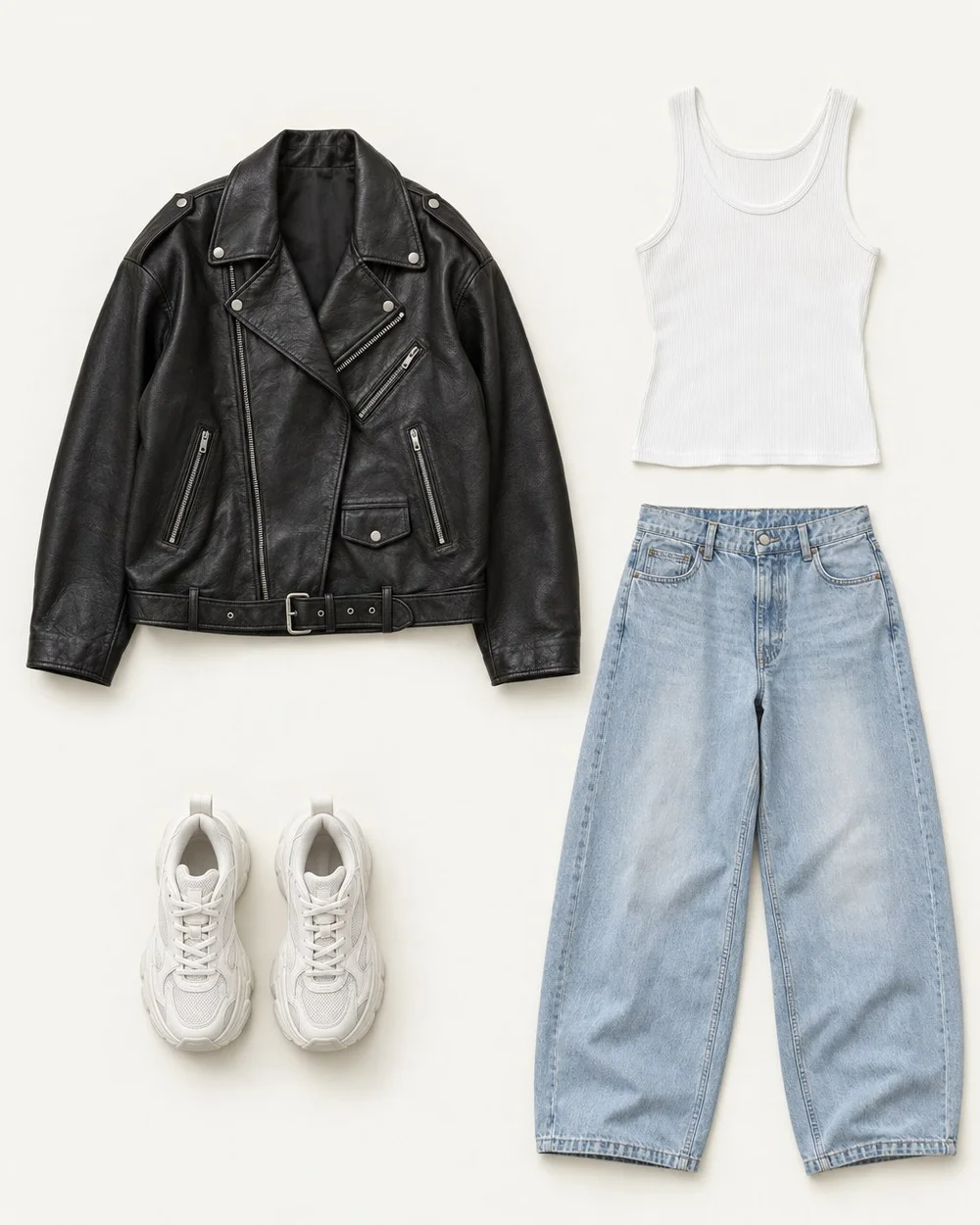
Wardrobe photos are working references. You need to recognize the cut, distinguish similar pieces, and see details that affect styling. You do not need a professional setup. A repeatable approach using your phone and an uncluttered patch of floor or wall can make the collection much easier to browse.
Make the light and background do less
Choose indirect daylight or evenly distributed room light. Strong sun can create shadows across a garment, while mixing warm lamps with daylight can make colors harder to compare. Move the item or change the light before trying to correct the image afterward.
Use a background that separates from the garment: a pale shirt against a pale wall may lose its edges. Clear unrelated objects from the frame, including personal papers and reflective surfaces that reveal things you do not intend to record. Screen images remain approximate color references, especially when viewed under different display settings.
Match the setup to the garment
The best setup reveals the shape without distorting it. Lay a knit gently rather than stretching it into a precise rectangle. Let a jacket hang from a suitable hanger so the shoulders remain understandable. For shoes, show the overall silhouette and the sole height when that affects outfit decisions.
| Item | Starting view | Useful extra detail |
|---|---|---|
| Sweater | Flat lay, sleeves visible | Neckline or texture |
| Jacket | Hanging, front visible | Closure or back detail |
| Trousers | Flat or hanging, legs visible | Hem shape |
| Shoes | Side or three-quarter view | Toe shape or fastening |
Swipe or scroll to read the full table.
Capture a small batch consistently
Prepare a handful of items from the same category. Smooth distracting folds, arrange sleeves away from the body, and leave room around the edges. Hold the camera parallel to a flat garment rather than shooting from a steep angle. Check the first image before repeating the setup across the batch.
For example, photograph three similar white shirts with the same framing, then add a close view of each neckline or cuff. The overview establishes the whole piece; the detail explains which one has the features you need. Avoid overediting texture or color just to make the image look polished.
Decide what to retain after capture
Review photographs at the size you will actually browse them. Can you distinguish the item without zooming? Are the garment edges visible? Does the image show a defining feature? Retake only the images that fail those checks.
If you plan to use an app that processes photos, review its privacy and consent choices before uploading. Creating a clean garment image and deciding whether to send it to a service are separate decisions. A local photo collection can also serve as the finished wardrobe reference.
- Keep one clear overview per garment.
- Add a detail only when it improves identification or outfit choice.
- Use recognizable names for near-duplicates.
- Delete accidental or redundant shots after checking your preferred copy.
Common questions.
Is a photo of me wearing the item better than a flat lay?
It can show drape and proportions that a flat lay misses, but it may also include your face, room, or other personal details. An individual garment reference and a private outfit photo can serve different purposes. Choose the minimum image needed for the task and review any sharing separately.
Do all my photos need the same background?
No. Consistency makes browsing calmer, but readable edges matter more than a uniform backdrop. Dark garments may need a different surface from light garments. Keep the angle and framing broadly similar, and avoid spending time rebuilding clear existing photos solely for visual uniformity.
Put your wardrobe to work.
Outfit Maker brings your own clothes, useful combinations and everyday plans together. Made for iPhone.
Explore your digital closet