 OUTFIT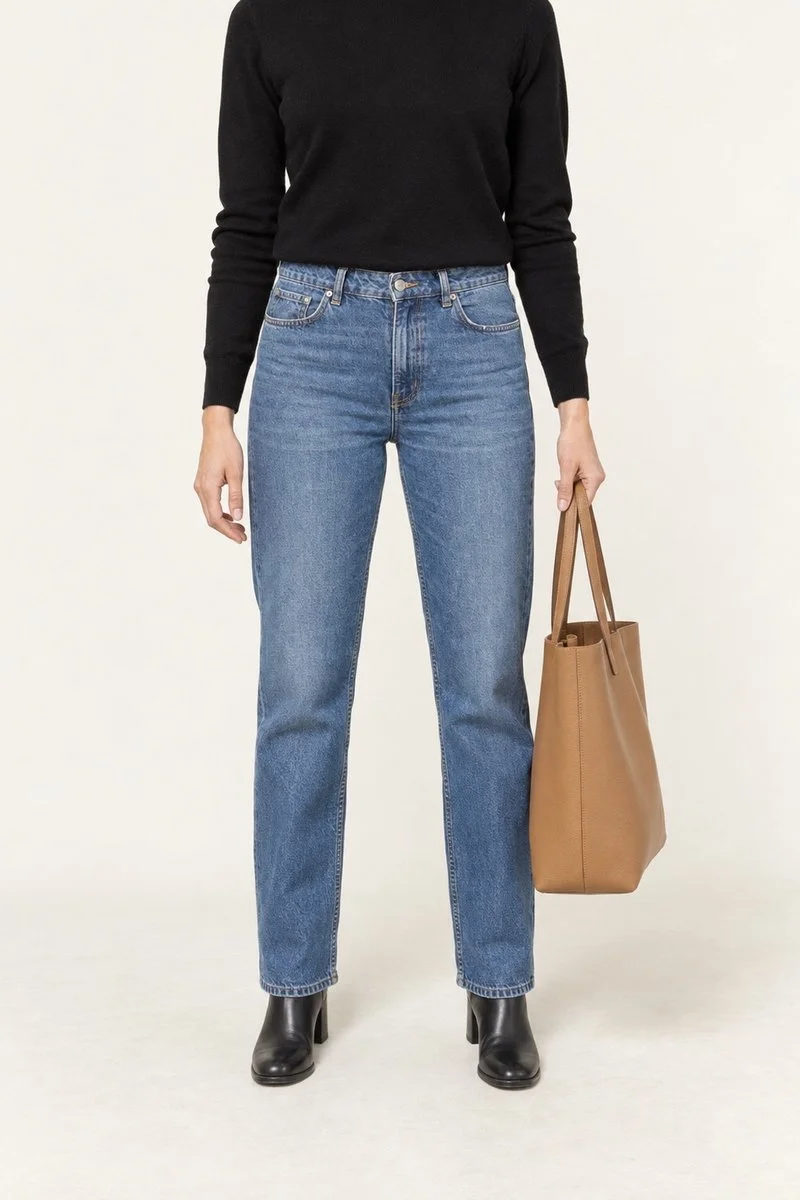
Your camera roll may already contain a partial record of your wardrobe: a holiday outfit, a mirror photo, a picture taken before dinner. Those images will not capture every garment perfectly, but they can help you begin. The aim is a reference you can use when getting dressed, not a catalogue you have to finish before it becomes useful.
Start with clothes you wear now
Choose a small first batch, such as ten pieces you wear regularly this season. Begin with the clothes you forget to combine or struggle to describe to yourself. If you always remember your favourite jeans, recording the three tops that work with them may be more useful than photographing every pair of jeans you own.
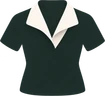
Look through existing photos for those pieces. Outfit photos can help you recognise length, volume, and styling; a closer image can help you distinguish two similar tops. Keep both when they serve different purposes. You can organise them in an ordinary photo album or a note before deciding whether you need a wardrobe app.
Make a record you can recognise
For each garment, choose the clearest image available. An unobstructed front view is useful, but an imperfect photo you can identify is enough to start. Crop a copy if that makes the garment easier to see. Be especially careful with shared photos: other people and unrelated surroundings do not need to become part of your clothing record.
Add a short, consistent name and only the details that will help you choose it later. “Black wide-leg trousers” is better than “IMG_4821.” You can keep the reference deliberately small.
- Name: black wide-leg trousers.
- Category: trousers.
- Useful note: full length with loafers; too long with flat sandals.
- Ready to wear: yes, or a practical reminder such as “hem repair needed.”
- Known combination: striped shirt and short jacket.
Fill the gaps only where they matter
Some pieces will be hidden by a coat, folded out of view, or simply absent from your photos. Take a quick new picture when you next wear them, or place them against a plain background in even light. Aim for recognisable shape and colour rather than editorial perfection. Shadows and phone processing can change the appearance of fabric, so check the real garment when an exact colour match matters.
Do not count a shop screenshot as something you own. If you keep inspiration images, separate them from your clothing records and label them clearly. Check that a piece is still yours and available before adding it; a photograph can outlive a donation, a return, or a loan.
Save outfits as well as individual pieces
An inventory tells you what is there. An outfit record tells you what to do with it. Save a photo or a simple list when a combination works, together with one useful note: “good for a long walking day,” “needs a layer indoors,” or “shirt works better untucked.”
Keep the system easy to maintain. When you repair, lend, or give away something, update its note or remove it from your active selection. There is no need to backfill every season. Add the next piece when remembering it would make your day easier.
Choose an app with the same care as your clothes
Wardrobe apps differ in how they import photos, organise items, save outfits, and process images. Before adding a whole collection, try a small batch and check the permissions, privacy information, export options, and any costs. Do not assume that a feature described in one app is available in another.
Outfit Maker starts with existing photos chosen on your iPhone and asks you to confirm which pieces are yours. Originals remain on your phone. With your consent, approved garment cut-outs and descriptions can be used for AI product photos and styling; those AI features are for paid members.
That flow is separate from the manual approach above. You can make a useful album and record your first outfits today, with the tools already on your phone. Start small enough that the system gives something back before it asks for much more.
Put your wardrobe to work.
Outfit Maker brings your own clothes, useful combinations and everyday plans together. Made for iPhone.
Explore your digital closet