 OUTFIT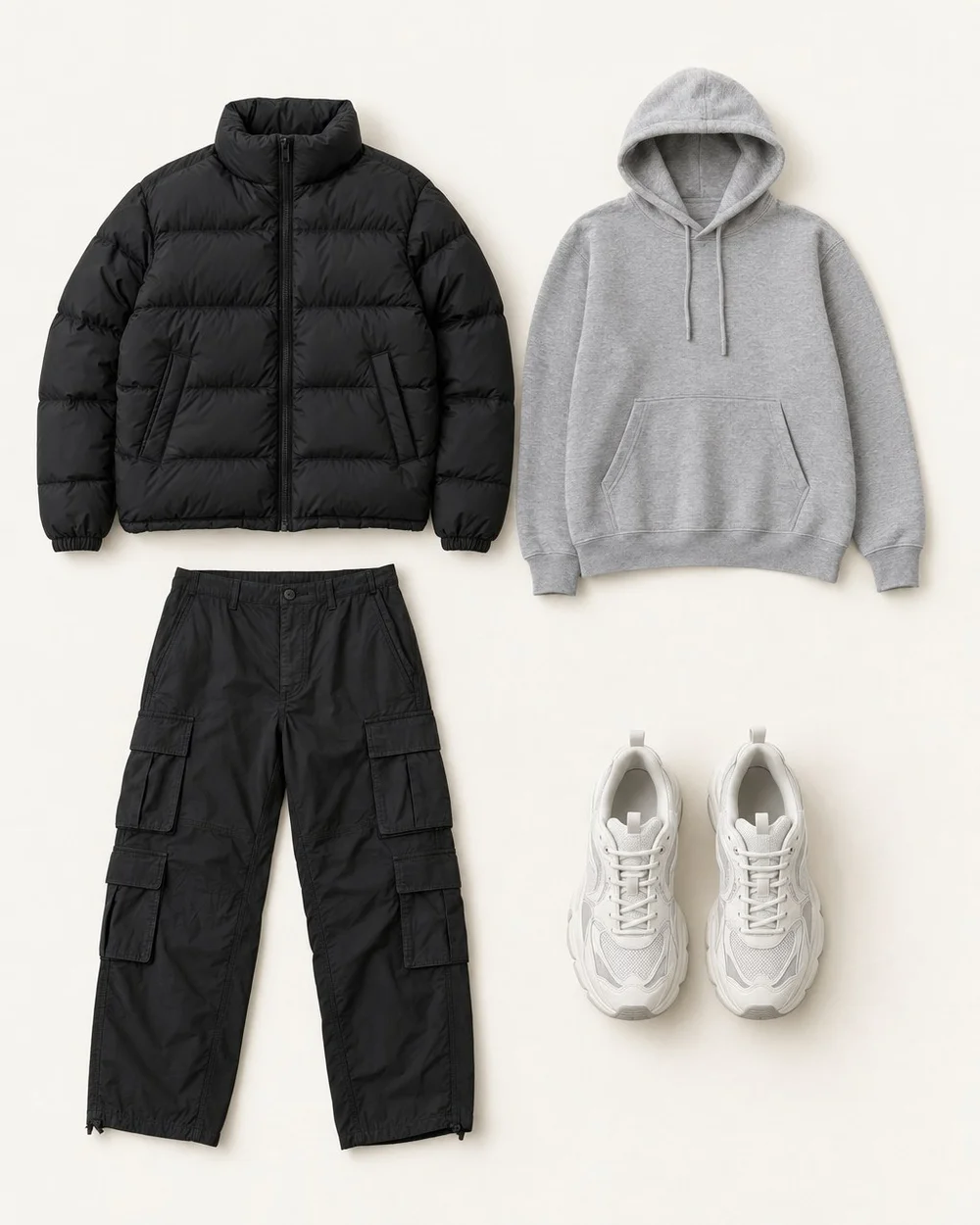
A digital closet can become another place to lose things if its structure is too ambitious. Before photographing every drawer, decide what you want the record to help you do: find forgotten clothes, prepare outfits, or see what is unavailable. Build around that job and expand when the first version works.
Start with one useful slice
Choose a collection you can finish in one sitting, such as the pieces worn during an ordinary workweek. Include shoes and layers if they determine whether those outfits work. Photograph clean, recognizable garments; an imperfect record of a useful piece is better than postponing the entire project for studio-quality images.
Leave occasional formalwear and stored seasonal clothing for later unless they are relevant now. This is a setup sequence, not a judgment about what deserves space in your wardrobe. Keep a short queue of unrecorded items so they do not disappear from the project.
Choose categories with clear boundaries
Use the garment’s main role as its category. A cardigan can live under layers rather than appearing in both tops and jackets. Add a second note only when it makes retrieval easier. Too many overlapping tags turn every addition into a classification exercise.
Separate garment identity from changing status. “Black straight-leg trousers” identifies a piece; “at the cleaner” describes its current availability. Combining both in the permanent name makes later updates easy to miss.
| Field | Example | Purpose |
|---|---|---|
| Category | Bottoms | Find the garment type |
| Name | Navy tapered trousers | Distinguish similar pieces |
| Status | Ready to wear | Avoid planning unavailable clothes |
| Useful note | Works with low-profile shoes | Remember a practical constraint |
Swipe or scroll to read the full table.
Test the setup by finding an outfit
Try a real request: find a comfortable outfit for an office day with a walk afterward. Locate a bottom, top, layer, and appropriate shoes. If you cannot tell two similar tops apart, improve their names or photographs. If a field never helps with the choice, you probably do not need to fill it for every item.
For example, separating two navy sweaters by neckline may help more than recording their purchase dates. Let an actual dressing problem reveal the missing information rather than importing a large template and completing every cell.
Maintain the record where change happens
Update an item when you notice a meaningful change: it needs repair, moves into seasonal storage, or leaves your wardrobe. A brief weekly review can catch loose ends, but it should not be the only moment you are allowed to edit.
Keep the maintenance checklist short enough to finish. If the record regularly falls behind, remove fields before adding reminders.
- Add new arrivals after deciding to keep them.
- Move unavailable pieces out of the ready-to-wear view.
- Record the location of items placed in storage.
- Remove or archive pieces only when their real-world status changes.
Common questions.
Do I need to enter my entire wardrobe before using it?
No. Start using the record as soon as it contains enough pieces for a real outfit decision. A complete record becomes more valuable when you are auditing duplicates or planning a trip, but everyday usefulness can begin with one drawer and a few reliable outfits.
Should outfit photos and individual garment photos go together?
Keep them connected but distinguishable. Individual photos answer what you own; outfit photos show combinations that worked. Separate albums, tabs, or naming prefixes can handle this without extra software. A consistent garment name helps you find the pieces used in an outfit later.
Put your wardrobe to work.
Outfit Maker brings your own clothes, useful combinations and everyday plans together. Made for iPhone.
Explore your digital closet