 OUTFIT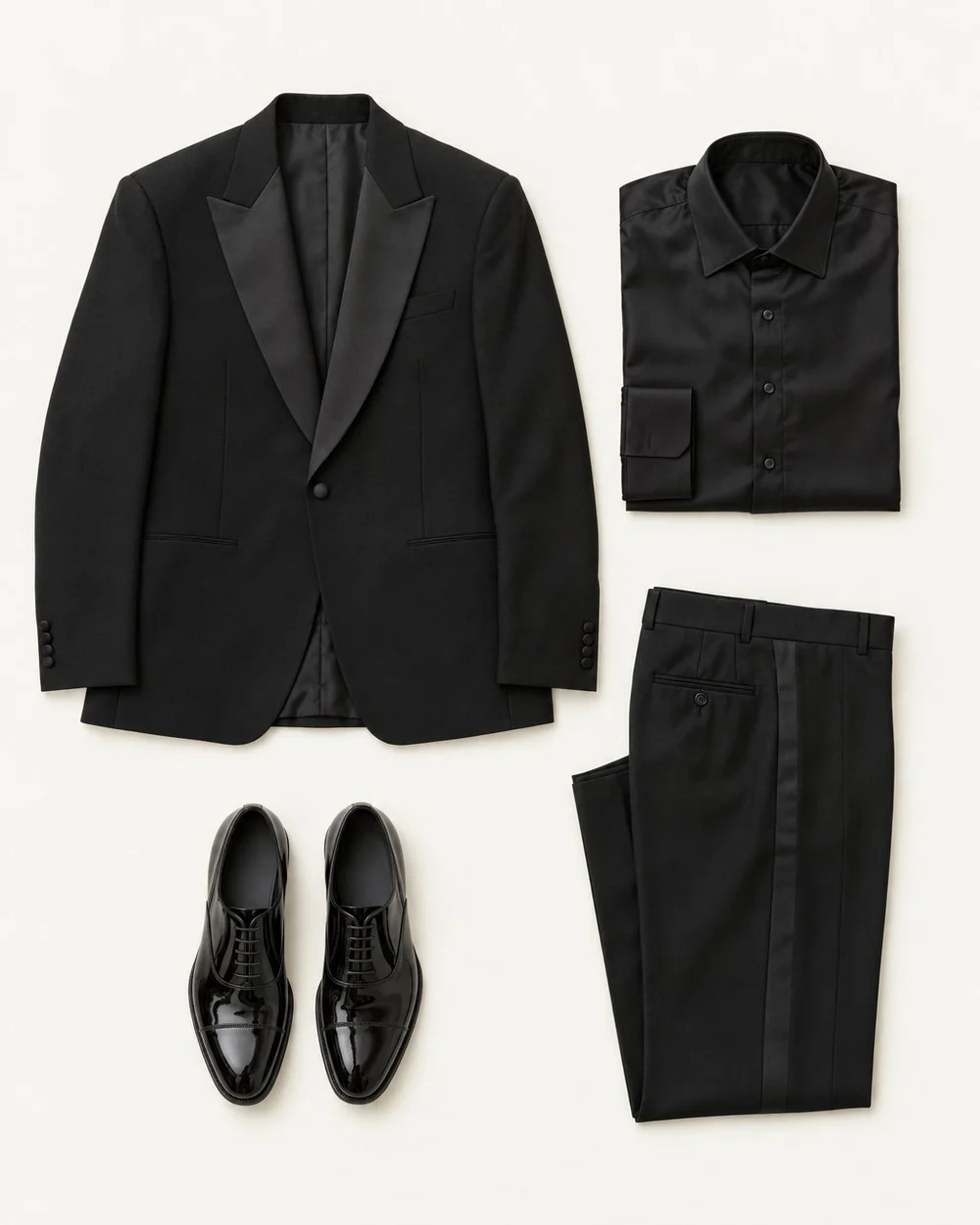
A presentation outfit has a job beyond looking polished in a mirror. You may need to reach toward a screen, climb a step, wear a clip-on microphone, or stand under unfamiliar lighting. Treat those practical details as part of preparation so they do not compete with your attention during the talk.
Get the setting clear before choosing formality
Ask the organizer about the audience, dress expectations, room, and speaking format if those details are not provided. Presenting internally to a casual team differs from speaking at a formal client event. Use the relevant norms as your baseline rather than automatically adding a suit or dressing a fixed level above everyone else.
For a remote presentation, check the camera framing and background. For an in-person talk, find out whether you will sit, stand, or move between locations.
Choose a familiar base with reliable movement
Start with clothes you have already worn comfortably. Test seated posture, reaching, turning, and walking in the combination. Notice sleeves that fall over your hands, a jacket that pulls when you gesture, or a waistband that becomes uncomfortable when you sit.
Footwear should support the actual time on your feet and the route to the venue. An unfamiliar pair is a poor experiment on a day when your attention belongs elsewhere.
Plan for the technical setup
If a clip-on microphone or bodypack will be used, ask the organizer how it is normally fitted. A stable attachment point and a suitable place for the pack may affect your clothing choice. Do not improvise electrical or microphone arrangements yourself; coordinate with the technician.
| Setup | What to check |
|---|---|
| Clip-on microphone | A stable attachment point; no nearby fabric or jewelry rubbing |
| Seated panel | Comfortable seated fit and coverage from the audience angle |
| Stage with steps | Hem clearance and secure, familiar shoes |
| Video presentation | Actual camera view, background contrast, and pattern behavior |
| Remote clicker or notes | Easy access without overfilled or awkward pockets |
Swipe or scroll to read the full table.
Rehearse in the complete outfit
Run a short section of the talk while wearing the chosen clothes and shoes. Use natural gestures and any props you expect to handle. Check whether a bracelet taps the lectern, a sleeve catches your notes, or a pocket makes the garment hang awkwardly.
For example, a soft jacket may look appropriate but tug every time you point at the screen. Try another familiar layer or present without it if the setting allows. The rehearsal should reveal small fixes, not lead to a last-minute reinvention of your style.
Prepare a proportionate backup
Pack or reserve the replacement most likely to solve a real issue: a clean top, a useful layer, or comfortable travel shoes if you change at the venue. Keep care items suitable for the garments, and handle steaming or pressing according to labels.
Check the final outfit the day before so missing buttons, stains, or unfinished laundry do not become morning problems. Once the practical checks pass, stop adjusting decorative details and return your attention to the presentation itself.
Common questions.
Is there a best color to wear when presenting?
There is no universal best color. Choose something appropriate to the setting that you like wearing, then test it against the actual background and lighting where possible. On camera, check whether the outfit remains clearly visible and whether a pattern creates distracting visual effects.
Should I wear a jacket even if I do not normally wear one?
Only if the setting calls for it or you prefer the result. An unfamiliar jacket can introduce movement or comfort issues. If a jacket is needed, test one you own early enough to solve fit and layering problems. Otherwise, a suitable complete outfit without one may work well.
Put your wardrobe to work.
Outfit Maker brings your own clothes, useful combinations and everyday plans together. Made for iPhone.
See how outfit planning works